Russian and Ukrainian
Phonetic input for German, English and French physical keyboard profiles.
GUTTARIA CYRKEY · macOS
Russian and Ukrainian
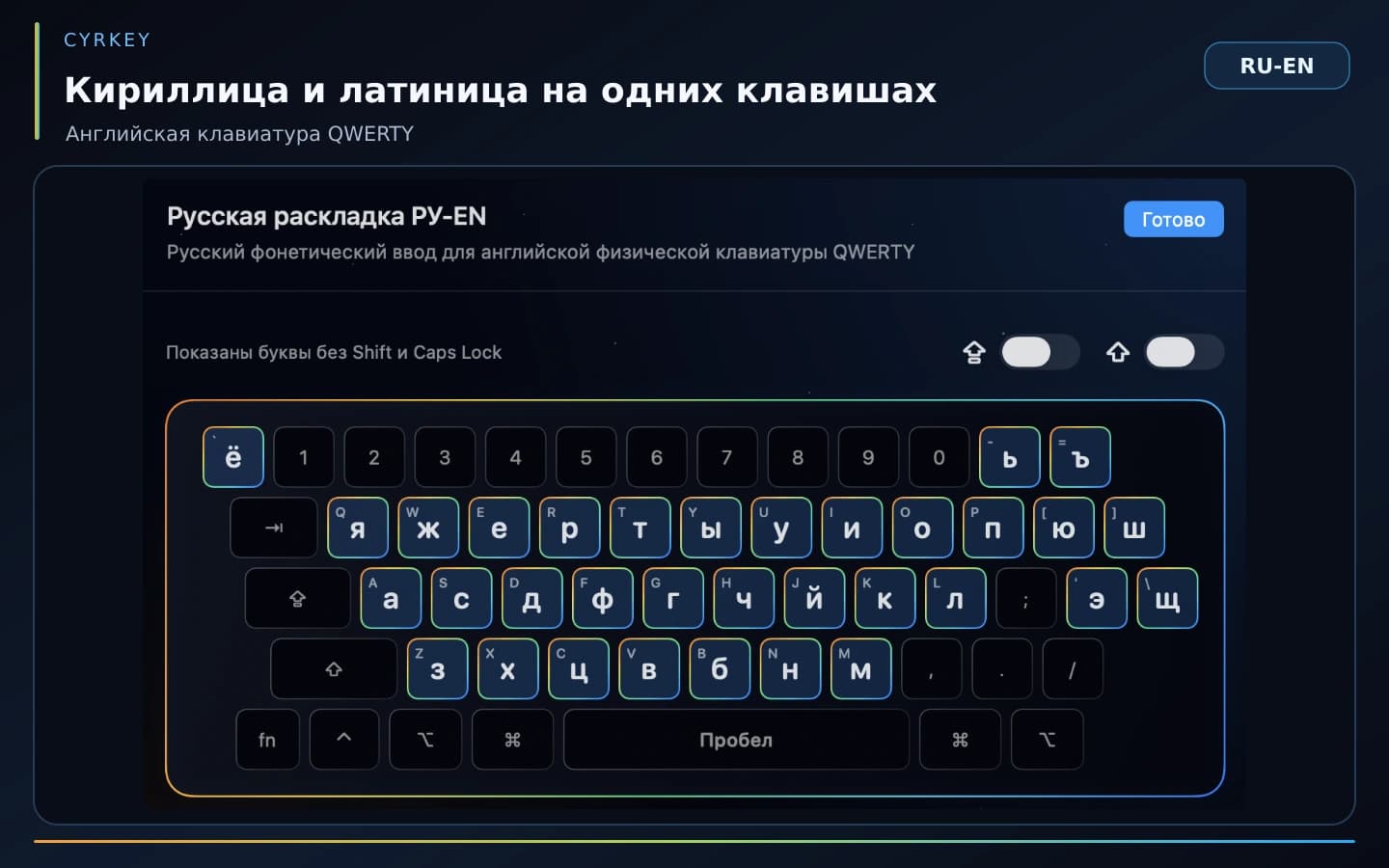
Phonetic Cyrillic input on the physical keyboard you already know.
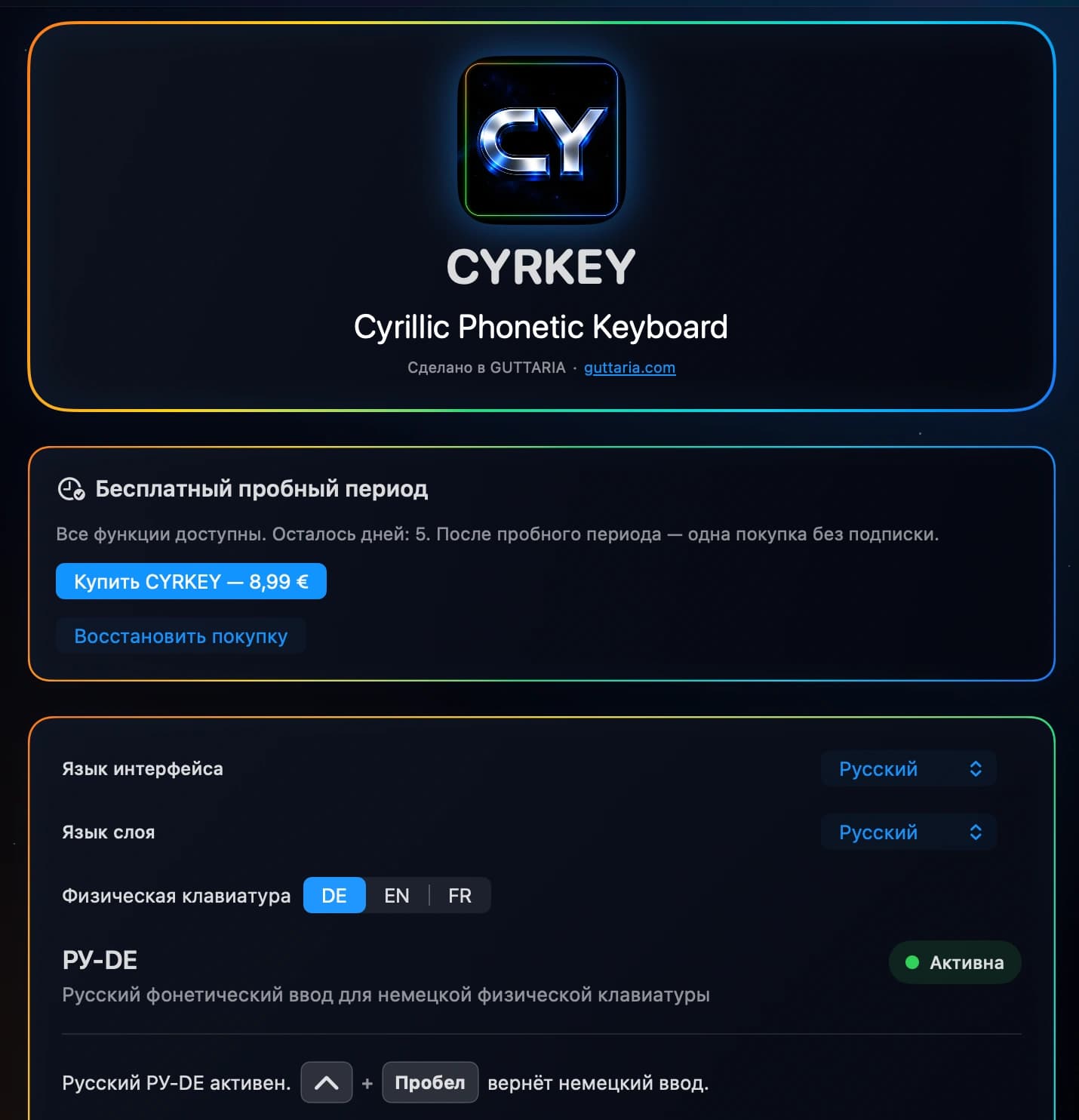
7 free days after activation · optional €8.99 one-time purchase · no subscription
Confirmed macOS features
Phonetic input for German, English and French physical keyboard profiles.
Combinations using Command, Control and Option continue to be handled by the system.
⌘C · ⌘V · ⌘Z · ⌥ · ⌃These macOS permissions are used for keyboard input and the Keyboard Lock feature.
Keyboard Lock can be protected with a PIN stored in the macOS Keychain.
StoreKit manages the 7-day trial and permanent unlock as a one-time purchase.
Settings are processed locally. No analytics, advertising, tracking or cloud storage of keyboard input and settings.
Keyboard
Language
CYRKEY examples
Physical keyboard
Layer
Application
Availability
The free 7-day trial starts only when you activate it in CYRKEY. Once it ends, continued use requires a separate one-time €8.99 purchase. There is no automatic charge and no subscription.
Questions about CYRKEY? Contact supportPrivacy
The current Privacy Policy explicitly describes the current macOS version of CYRKEY.
Open the macOS Privacy PolicyGUTTARIA CYRKEY
Yes. Combinations using Command, Control and Option continue to be handled by macOS.
The confirmed macOS version uses Input Monitoring and Accessibility for keyboard input and Keyboard Lock.
No. CYRKEY does not store keyboard input or settings in the cloud and uses no analytics, advertising or tracking.
Open CYRKEY using the same Apple Account and select Restore Purchases in the app. For help, contact support@guttaria.com.
Explore more products from the GUTTARIA ecosystem.